How to Check Your KiwiSaver Balance in New Zealand
By KiwiBudget Team ·
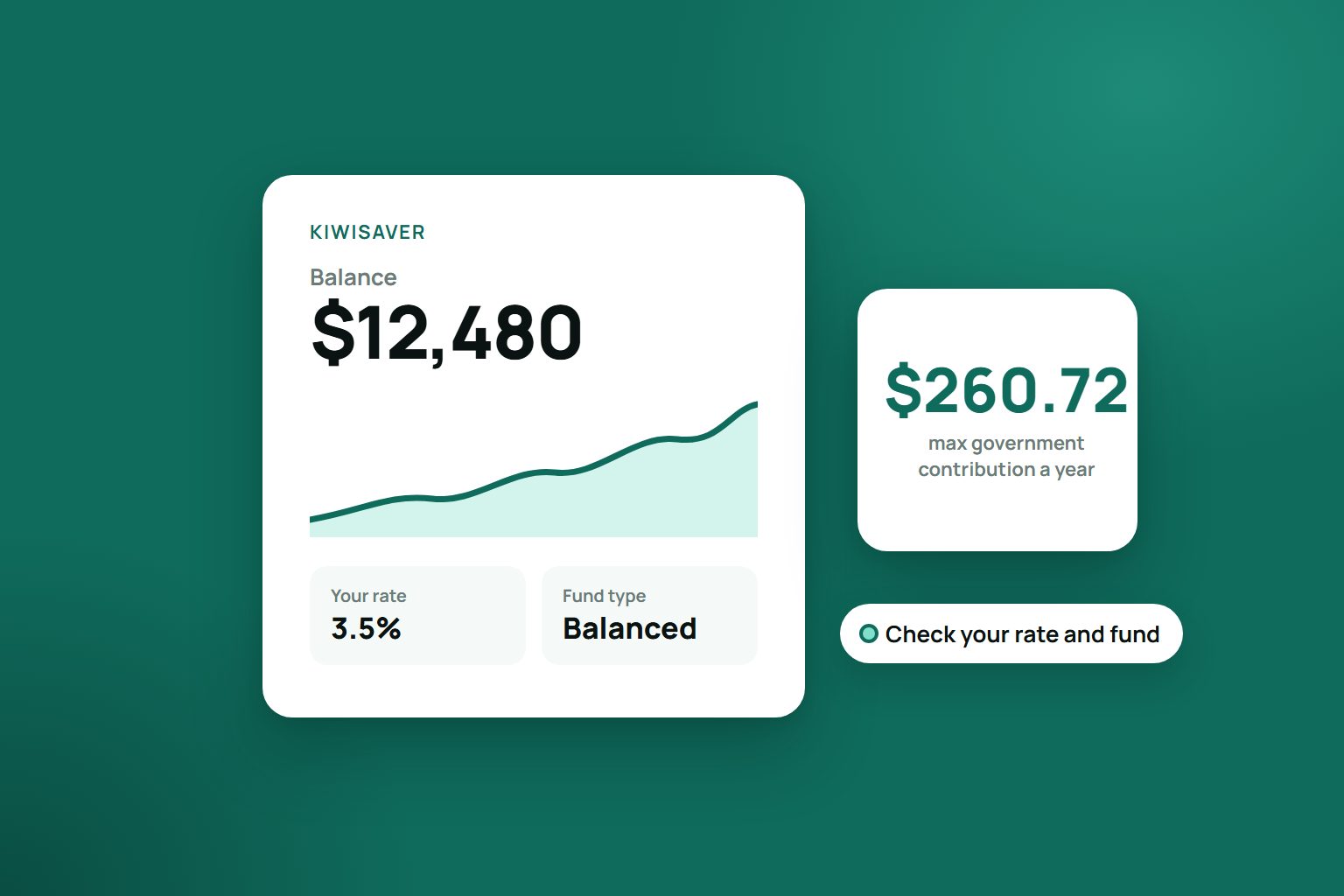
KiwiSaver is one of those things you set up once and then barely look at. But your balance, and how it is tracking, is worth a two-minute check now and then. The catch is that a lot of people are not sure where to actually look, or they check myIR, find a number that seems low, and worry something is wrong. Here is where your balance lives and how to see it.
The short answer: log in to your provider
Your KiwiSaver balance sits with your KiwiSaver provider, not with Inland Revenue. IRD itself says to ask your provider about your balance. Your provider is the company that invests your money, for example ANZ, ASB, BNZ, Westpac, Fisher Funds, Milford, Simplicity, Booster or Generate. The fastest way to see your balance:
- Open your provider's app or website and log in.
- Find KiwiSaver, then your balance and your recent returns.
- No login yet? Look for the option to register on your provider's website, or give them a call. Have your IRD number handy.
That figure moves with the markets and as your contributions arrive, so it is the most up-to-date number you will get.
Not sure who your provider is?
Plenty of people were auto-enrolled years ago when they started a job and have forgotten who they are with. Two ways to find out:
- Log in to myIR at ird.govt.nz. The KiwiSaver section shows who your provider is, along with their contact details.
- Call IRD's KiwiSaver line on 0800 549 472 (Monday to Friday, 8am to 6pm) if you cannot get into myIR.
Once you know your provider, go back to step one and log in there.
Why myIR does not show your full balance
This is the bit that trips people up. myIR shows the KiwiSaver contributions IRD has received through your pay, what was deducted each payday, and when the government contribution arrives. It also names your provider. What it does not show is your overall balance, your investment returns, or any money you have paid straight to your provider. That money sits with your provider, who invests it, so the balance and the gains or losses live there.
So if myIR shows less than you expected, that is usually why: it only shows the contributions passing through IRD, not the whole picture. For the full number, always go to your provider.
Your annual statement
Once a year your provider sends a KiwiSaver statement, usually covering the year to 31 March. It sets out your opening and closing balance, what you, your employer and the government put in, the fees and tax taken out, your investment returns, and an estimate of what you could have at 65. It is worth actually reading rather than filing unopened. Most providers also let you see your account and past statements online.
What to look at, not just the balance
The headline number matters, but while you are logged in, a few other things deserve a glance:
- Your contribution rate. If you are employed, you can choose 3.5%, 4%, 6%, 8% or 10% of your before-tax pay. The default rose from 3% to 3.5% on 1 April 2026 and is set to rise to 4% on 1 April 2028. If you need to stay at 3% for now, you can apply for a temporary rate reduction of 3 to 12 months. Check your rate is what you meant it to be. Our guide to KiwiSaver contributions goes into more detail.
- Whether you are on track for the government contribution. If you are aged 16 to 65 and earn $180,000 or less, the government adds 25 cents for every dollar you contribute between 1 July and 30 June, up to $260.72. You need to put in $1,042.86 of your own money to get the full amount, and your provider claims it for you after 30 June. It is money you do not want to leave on the table.
- Your fund type. Sorted groups funds as defensive, conservative, balanced, growth or aggressive, depending on how much they hold in growth assets such as shares. Sorted suggests choosing based on when you will need the money and how comfortable you are with ups and downs, not on which fund had the best year. Its free KiwiSaver fund finder lets you compare funds.
- Fees. Small percentages that quietly add up over decades. Sorted's fund finder shows what each fund's fees could cost you over your time in KiwiSaver.
The figures above are current as at October 2026, but they do change, so check ird.govt.nz or your provider for the latest. This is general information, not personal financial advice. For help deciding what suits you, Sorted.org.nz has free tools and guides.
Seeing it next to the rest of your money
The reason a balance goes unchecked is usually friction: it is one more login, in one more app, sitting apart from your everyday money. KiwiBudget, which launches 16 November 2026, is built to close that gap. On the Student, Pro and Legend plans you can connect your KiwiSaver through Akahu, New Zealand's open finance platform, so your balance sits alongside your everyday accounts and updates each time you sync. The connection is read-only, and it is built for New Zealand, in New Zealand dollars.
Key Takeaways
- Your live KiwiSaver balance is with your provider, seen by logging in to their app or website.
- myIR shows the contributions that pass through IRD and names your provider, not your full balance or returns.
- Not sure who your provider is? Check myIR or call IRD's KiwiSaver line on 0800 549 472.
- Your annual statement breaks down balance, contributions, fees, tax and returns, with an estimate of what you could have at 65.
- While you are there, check your contribution rate, government contribution, fund type and fees, not just the number.
Want your KiwiSaver balance in the same place as the rest of your money? Create your KiwiBudget account. KiwiSaver tracking comes with the Student ($5 a month), Pro ($8) and Legend ($19) plans, and the Free plan covers manual budgeting.